'/%3e%3crect%20x='36'%20y='36'%20width='28'%20height='28'%20fill='%23fff'/%3e%3cpolygon%20points='64,36%2064,64%2036,64'%20fill='%23F07F2A'/%3e%3c/svg%3e)




ControlFreak Run
Run an orienteering course with virtual controls. The GPS in your phone or watch tells when you reach a control, and a signal confirms the punch.
The runner only needs the map, the course's QR code and a phone or Garmin watch. Coverage is only needed when the QR code is read – after that everything works in the forest, with no account and no server.
Run with your phone
The phone punches, beeps and reads out the code number – it can stay in your pocket. At the finish: result, split times and GPX.
- Scan the course's QR code with the Camera app.
- Tap Start and run. The screen can be dark; the sound tells you when you have punched.
Run with a Garmin watch
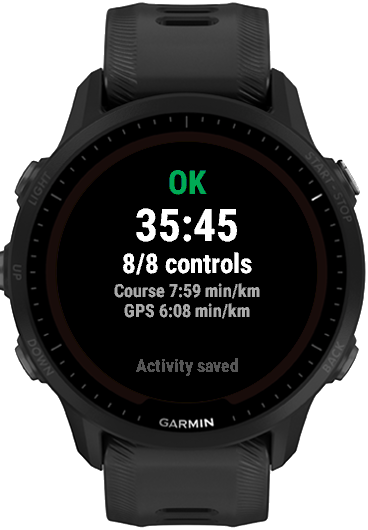
The watch punches, beeps and saves the run in Garmin Connect.
- Install ControlFreak Run on the watch from the Connect IQ store.
- Choose Fetch course on the watch and scan the course's QR code with your phone. The course loads.
- Press Start on the watch and run.
Create QR codes for your courses
For the course setter: Drop your course file here to get one QR code per course. Print them as a PDF, or save them as images and put them on the map. Everything happens in the browser – nothing is uploaded.
Drop the files here
IOF XML 3.0, ControlFreak (.cfpack or .cfproj; use these for Hittaut courses) or Purple Pen (.ppen together with the map file, .ocd or .omap).
Note: the course must be correctly georeferenced.